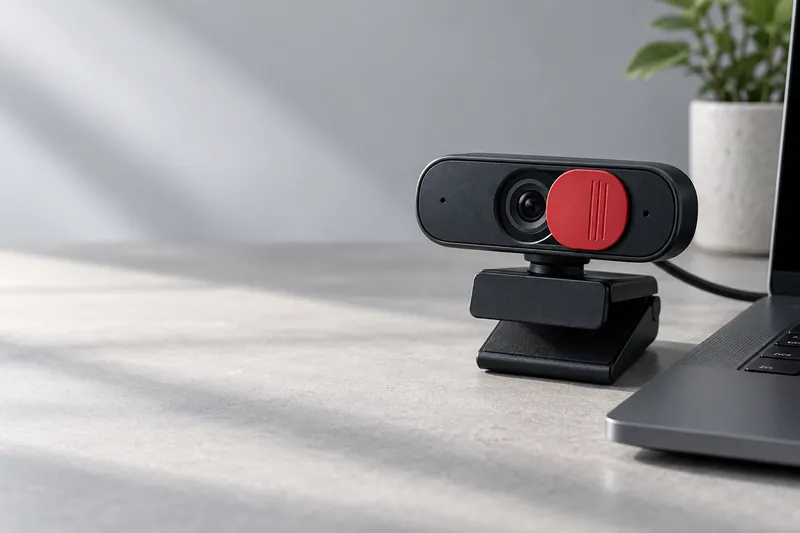
Choosing a service mode and granting a device permission are separate decisions.
What does cam-to-cam mean?
Cam-to-cam means both sides can share a camera. Watching a feed is one-way viewing until you choose to share yours. It is not the same as random video chat: this site does not pair strangers, host calls or ask for access to your camera.
Before opening a provider, separate three decisions: what you can watch without signing in, who could see or hear you if you share, and which action starts a charge. A public preview alone answers none of the questions about sharing or billing.
| Decision | What to check |
|---|---|
| Watching | Seeing a preview does not turn on your camera. |
| Sharing | Check who can see and hear you before allowing access. |
| Paying | Check the rate, minimum time and how to end billing. |
What does free cam-to-cam access actually include?
A free room preview, free registration, and camera sharing with no charge are different claims. Check the specific activity instead of treating a free-access label as permission to use every feature. Ask whether sharing requires a paid mode, whether audio is included, and how that mode ends.
A useful offer should explain its own limits. If the rate or account requirement is missing, leave it unconfirmed; do not infer a zero cost from a model thumbnail or an online status. This guide does not certify a list of completely free providers.
CamSoda example: camera controls and session controls differ
CamSoda's camera-sharing FAQ, checked on 18 November 2026, distinguishes video-only Share Cam in public chat for a per-minute fee from Cam2Cam in private chat, where enabled and included in the private-session cost. These are documented conditions, not proof of a free feature or support on every device.
The FAQ also says Stop Stream closes Cam2Cam while the private chat continues until End Private or the balance runs out. Locate both controls before starting. We did not test a paid session; confirm the current room prompt and device instructions.
Reference: CamSoda FAQ: Share Cam and Cam2Cam (opens in a new tab)
Keep device access a deliberate choice
Browser media capture is a distinct technical step from a website's account or session interface. The W3C media-capture specification defines the browser mechanisms for obtaining media input; a service's label does not replace those permission controls.
Do not grant a device permission simply to discover what a button means. Look for documentation first and review your browser's permission settings when you are finished.
Reference: W3C: Media Capture and Streams (opens in a new tab)
Look for clear boundaries and an exit
A useful feature explanation should tell you which controls are yours and what happens when you stop using them. If the interface and the documentation appear inconsistent, pause and use the official support route instead of relying on an assumption.
LiveCamVerdict does not host video conversations or access your camera. This article explains terminology and decision questions, not a provider-wide guarantee about availability or another participant's behavior.
Three checks to keep separate
- Service support: is the feature officially documented for your account and device?
- Device access: which camera and microphone permissions have you allowed?
- Commercial terms: what rate, access conditions, and stop rules apply?
How to compare cam-to-cam sites without guessing
Names such as cam2cam, cam 2 cam, and cam-to-cam do not prove that two services have identical features. Use one checklist for the activity you want, and record where each answer came from. A model being online in a feed does not establish that camera sharing is available to your account.
First resolve essential requirements, such as support for your actual device and a clearly documented way to stop sharing. Then compare preferences. Leave an unanswered item unconfirmed rather than awarding a provider a positive or negative score.
| Decision | Evidence to collect | Keep separate |
|---|---|---|
| Camera sharing | Official feature description for your account and device | A room being listed online |
| Audience | Who can see or hear your contribution in the chosen mode | The word private in a label |
| Device controls | Camera and microphone choices, start and stop controls | Account visibility settings |
| Access | Applicable account and location requirements | A general marketing description |
| Cost | Current buyer quote, charging trigger, and any minimum | Performer payouts or another platform's rates |
Questions & answers
Is cam-to-cam the same as a private mode?
Do not assume that. Camera-sharing capability and audience access rules describe different aspects of a service.
Do I need to allow a camera to read this guide?
No. This publication does not request camera or microphone permissions.
Do cam2cam and cam-to-cam mean identical features on every site?
No. Treat them as related search terms, not a standard feature contract. Confirm audience rules, account requirements, supported devices, controls, and costs with each provider.
Which cam-to-cam site is best?
This guide does not publish a provider ranking. A useful choice depends on verified requirements for your intended activity, device, account, and location, not an unexplained best badge.
Sources & further reading
- CamSoda FAQ: Share Cam and Cam2Cam (opens in a new tab)
- W3C: Media Capture and Streams (opens in a new tab)
References support the specific technical points identified above, not an endorsement of any platform. Consult current documentation for your device and browser.