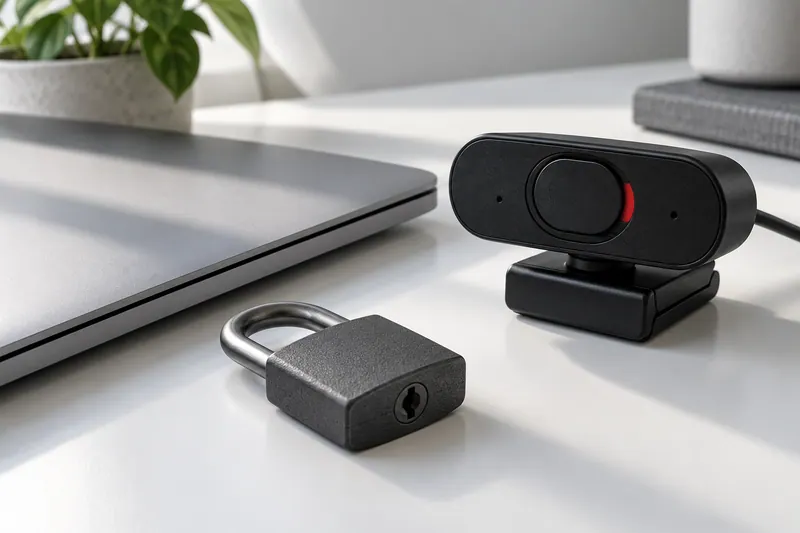
Ask what a control actually changes, who it applies to, and which information may still be processed.
Break privacy into four questions
Start with what other users can see: a display name, profile, presence, or public activity. Then ask what the operator receives, including account information and technical request data. These questions are different from what remains in your browser history and which device permissions you have granted.
Write down the control you want instead of relying on a general promise of privacy. For example, hiding a public profile is not the same task as deleting an account or withdrawing permission to use a camera.
Know the limit of a private window
Mozilla explains that private browsing limits information retained by the browser after a session; it does not make the user anonymous to websites or the network. A private window should not be treated as a guarantee about provider records, payment information, or the behavior of another participant.
A useful decision is whether the device is shared and what you want to keep out of its ordinary browsing history. That is a narrower and more realistic purpose than expecting the window to remove every trace of an online interaction.
Reference: Mozilla: what private browsing does and does not do (opens in a new tab)
Read the operator's explanation, not just a badge
Look for a current privacy notice, a contact route, and an explanation of account deletion. Record questions that are not answered. If a page does not explain a setting, treat its effect as unconfirmed rather than filling in a reassuring assumption.
The FTC describes several ways sites and apps can collect and use information, including cookies and other tracking technologies. Review the choices available on the actual service you are considering; controls on this publication do not govern another website.
Reference: FTC: how websites and apps use your information (opens in a new tab)
Questions worth asking before joining
- Which profile details are public, and can I inspect that view?
- What is the difference between hiding, deactivating, and deleting an account?
- Which information is required for the feature I want?
- Where is the official privacy or support contact?
- Are any important claims missing from the written policy?
Keep account controls and camera controls separate
Review both sets of controls independently. An account may have visibility options while the browser still remembers a device permission. Conversely, blocking a camera does not by itself change a profile's visibility.
Our camera-permissions guide deals with the device layer. This guide is a framework for asking better questions about the account and operator; it is not a security certification for any provider.

Questions & answers
Can a private window guarantee anonymity?
No. Browser privacy features have a defined scope and do not guarantee anonymity to a website, network, or payment service.
Does deleting an account mean all records disappear immediately?
Do not assume that. Check the provider's current deletion and retention explanation, and ask its privacy contact when the answer is unclear.
Sources & further reading
- Mozilla: what private browsing does and does not do (opens in a new tab)
- FTC: how websites and apps use your information (opens in a new tab)
References support the specific technical points identified above, not an endorsement of any platform. Consult current documentation for your device and browser.